Close


SATO WS4 Desktop Printer
Built for Daily Mid-Volume WorkloadsSATO WS4 – Reliable 4” Desktop Printer for Everyday Operations
The SATO WS4 Desk top Printer is a budget-friendly, scalable solution built to meet the everyday labelling demands of small and medium enterprises. With robust print capabilities, flexible media options, and seamless system integration, WS4 empowers teams to print smarter across departments, sites, and shifts.
overviewSATO WS4: Smart Labelling on a Budget
Designed with operational simplicity and industrial adaptability in mind, SATO WS4 Desktip Printer delivers high-resolution labels with minimal training, thanks to its wide media compatibility, USB/Bluetooth/Wi-Fi connectivity, and quick media loading features. From product tagging in a backroom to batch labelling on the production floor, WS4 brings reliability to every print.
benefitsFrom Startup to Scale-Up: Why SATO WS4 Desktop Printer Works for You
Universal Desktop Power. SATO WS4 Desktop Printer fits the needs of food producers, healthcare providers, retailers, and logistics operators with ease. With direct thermal and thermal transfer options in one device, it supports multiple environments — from cold rooms to service counters.
Built for Budget-Conscious Scalability. Whether you’re deploying 1 printer or 50, SATO WS4’s cost-effective build, long ribbon capacity (300m), and minimal maintenance design help reduce your total cost of ownership over time
Versatile Media Handling. Supports a wide range of label sizes and materials — from barcode tags and price labels to compliance stickers and inventory markers. Face-in/face-out media compatibility and adjustable sensors offer complete flexibility.
Seamless System Compatibility. With native emulation of 5 printer languages (SZPL, SDPL, SIPL, SEPL, SBPL), WS4 drops easily into existing Zebra, Datamax, or legacy SATO environments — no reprogramming needed
Designed for Fast-Paced Teams. Thanks to one-touch operation, auto-calibration, and user-friendly LED indicators, your staff can quickly change media or ribbon without training delays.
Connectivity Your Way. Choose from USB, LAN, RS232, Bluetooth or Wi-Fi, based on your setup. Perfect for back-office integration, workstation automation, or portable applications on mobile trolleys
applicationsSATO WS4 Desktop Printer - One Solution, Countless Roles: WS4 Labelling in Practice
SATO WS4 adapts effortlessly to your environment no matter what you are dealing with: managing food rotation in a chilled prep area, printing barcode labels in a retail stockroom, or tracking medical supplies in a clinic. Designed with versatility at its core, this compact yet capable printer supports a wide range of applications — from small business operations to multi-shift production lines.
SATO WS4 Desktop Printer Typical Applications:
- Bakery & Deli Counters: Print price tags, allergen labels, and expiry dates
- Logistics & Packaging: Create barcode or batch labels for shipping and traceability
- Healthcare Clinics & Labs: Generate sample tags, wristbands, and medication ID labels
- Retail Operations: Label items, shelves, or promos with dynamic SKU and barcode data
- Warehouse Inventory: Streamline internal movement and stock rotation with easy-to-scan barcodes.
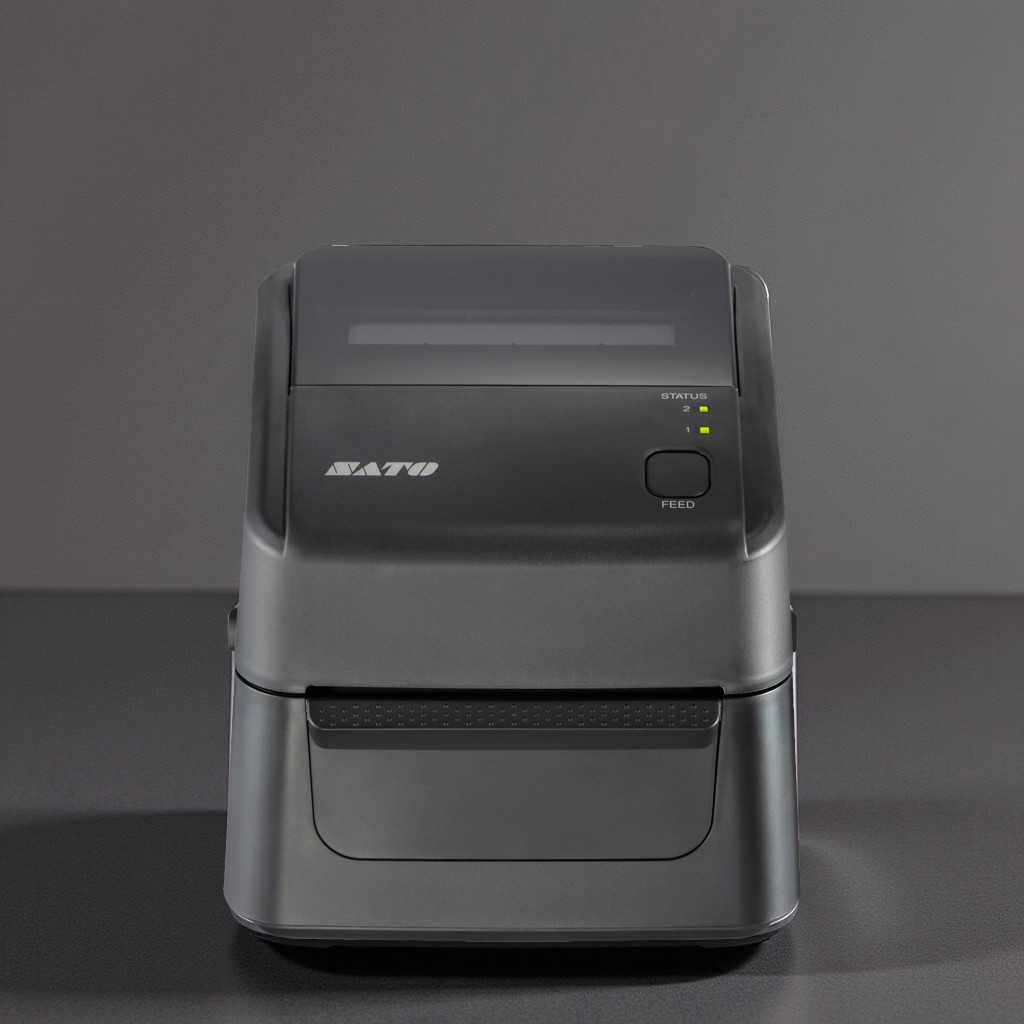 SATO WS4
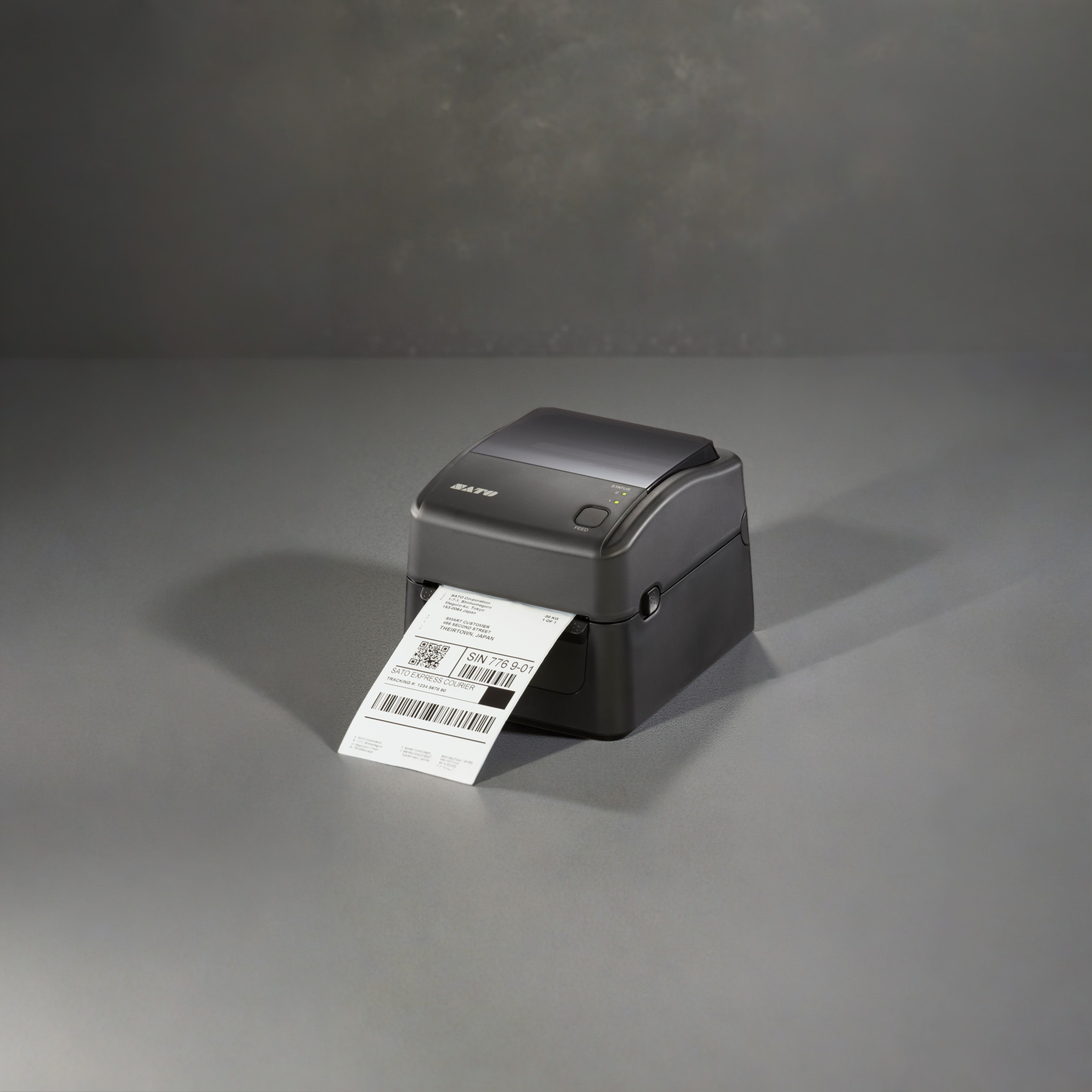 SATO WS4
see it in actionWhat Makes SATO WS4 Desktop Printer a Standout — Key Features Simplified
| Feature | Benefit |
|---|---|
|
Direct Thermal & Thermal Transfer |
Flexible use in cold, humid, or dry conditions |
|
300m Ribbon Support |
Less frequent roll changes, ideal for mid-volume printing |
|
Adjustable I-Mark Sensor |
Auto-calibration for different label types and thicknesses |
|
Up to 305 dpi Resolution |
Sharp, legible text and barcodes for small labels |
|
USB, LAN, RS232, Wi-Fi, Bluetooth |
Connects to your systems and devices with ease |
|
Compact, Tool-Free Maintenance |
Easy upkeep in fast-paced environments |
|
Optional Cutter/Dispenser Add-ons |
Adapt the printer to your automation and hygiene needs |
|
Cerner Validated + Global Certifications |
Built for regulated industries and cross-border use |
FAQsReal Answers to SATO WS4 Desktop Printer Questions You’re Actually Asking
Why does my WS4 print fade or streak over time?
This often comes from build-up on the printhead or platen. Always clean both surfaces whenever you change ribbon or media, or at the first sign of fading. Use isopropyl wipes, wait for the printhead to cool, and wipe in one direction to avoid damage or residue build-up
What’s the best media setup to prevent jams
Use clear, consistent face-in or face-out configurations, and let the printer auto-calibrate on every media load. Misaligned rolls or dirt on the sensors are the most common causes of jamming – a quick wipe before loading fixes it
Can one tool manage firmware and settings across multiple WS4 units?
Yes — the SATO WS4 Desktop Printer Utility lets you update firmware, switch emulations, export/import XML settings, and configure ports (USB, LAN, Bluetooth) from one console — ideal for standardizing printers across locations
Is it easy to switch media types, like ribbons or label sizes?
Absolutely. The SATO WS4 Desktop Printer was designed for simplicity — tool‑free mechanisms let you change ribbons and media in seconds, and LED indicators walk you through the process, minimize errors.
Which connectivity setup works best for small offices or workshops?
The SATO WS4 Desktop Printer offers robust built-in options: USB, RS-232, and Ethernet are standard. Add Bluetooth or Wi-Fi for wireless setups — great for shared workstations or mobile carts
How fast can this printer keep up during peak periods?
Capable of up to 6 inches per second, the WS4 handles mid-volume jobs with ease. Plus, its 300m ribbon support means fewer replacements and lower interruptions
SATO WS4 Desktop Printer